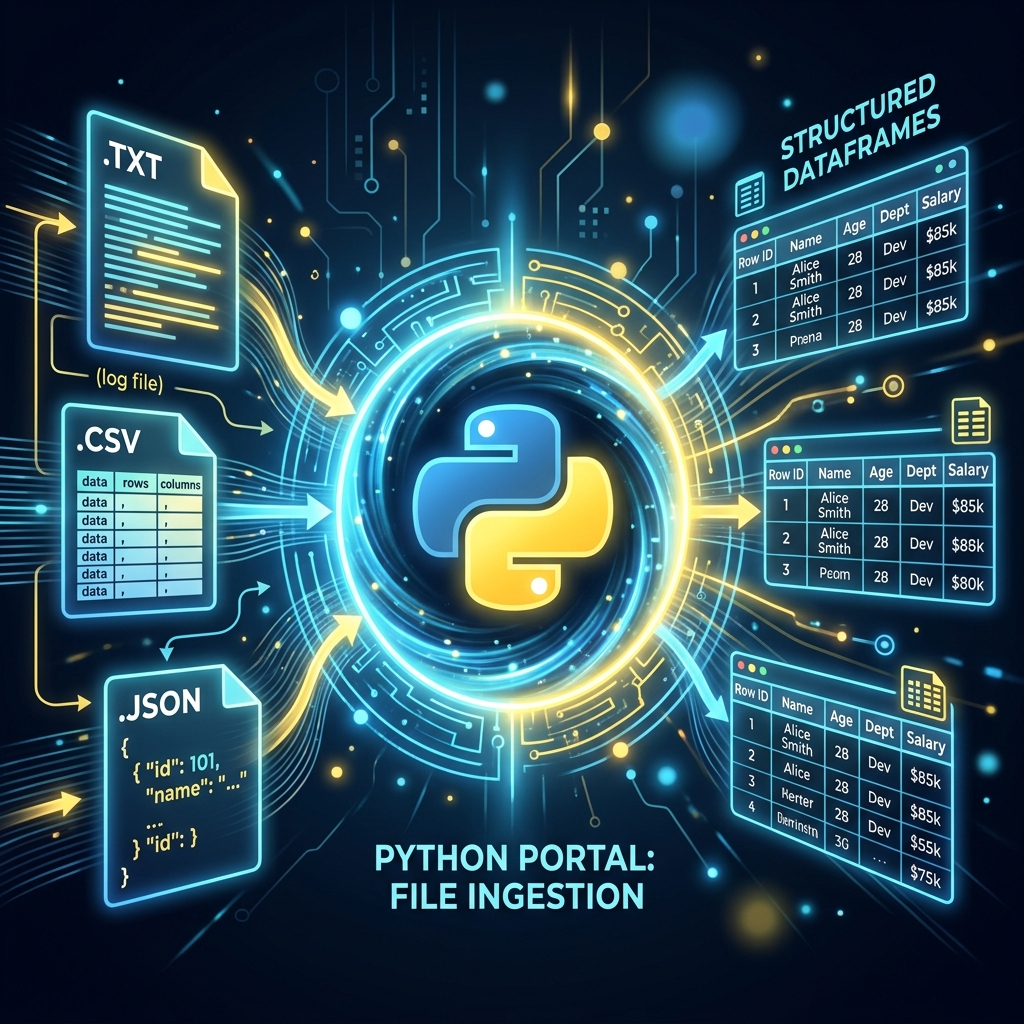
AI ke liye data hi sab kuch hai, aur ye data aksar files (CSV, JSON, ya Text) mein hota hai. Agar aapko files read aur write karna nahi aata, toh aap AI models ko "Feed" kaise karenge? Is guide mein hum Python ki File Handling shaktiyon ko samjhenge aur dekhenge ki professional developers "Context Managers" kyon use karte hain.
1. Context Managers: The with Statement
Pehle hum file open karte the aur phir f.close() bhul jate the, jis se memory "Leak" hoti thi.
- The Modern Way:
with open('file.txt', 'r') as f:. - Iska fayda ye hai ki jaise hi code block khatam hoga, Python apne aap file ko Securely Close kar dega, bhale hi beech mein error kyon na aa jaye.
- AI models load karte waqt ye non-negotiable hai.
2. CSV & JSON: The AI Language
- CSV (Comma Separated Values): AI ka bread and butter. Humein lakhon rows read karni hoti hain. Hum
csvmodule ya (behtar hai)Pandasuse karte hain. - JSON (JavaScript Object Notation): API data hamesha JSON mein hota hai. Ise hum Python ki Dictionary mein minto mein badal sakte hain.
- AI prompt templates hamesha JSON format mein store kiye jate hain.
3. Pickle: Python ke Models ko "Store" karna
Normal text files mein aap "Trained Model" store nahi kar sakte.
- Pickle: Ye model (Object) ko "Byte Stream" (Numbers) mein badal deta hai.
- Isse aap trained weights ko save karke baad mein kisi bhi PC par load kar sakte hain.
- Caution: Kabhi bhi anjaan Pickle files load na karein kyonki wo hacker ka code bhi execute kar sakti hain.
4. Large Files: Memory Management
Agar file 10GB ki hai aur RAM 8GB, toh kya karenge?
- Chunking: Poori file ek saath mat padho.
for line in f:likhne se Python sirf ek-ek line RAM mein lata hai. - Ise hum Streaming kehte hain, jo Large Language Models (LLMs) ko train karte waqt sabse zaroori skill hai.
5. Summary Table: File Formats for AI
| Format | Extension | Usage | Best For |
|---|---|---|---|
| Text | .txt |
Raw data | Simple datasets |
| CSV | .csv |
Tabular data | Structured ML data |
| JSON | .json |
Metadata / Config | API and LLM Prompts |
| Pickle | .pkl |
Model Binary | Saving Weights/Settings |
FAQs
1. w aur a mode mein kya fark hai?
w (Write) purane data ko delete karke naya likhta hai. a (Append) purane data ke aage naya data jhodta hai. AI logs ke liye hum hamesha a mode use karte hain.
2. encoding='utf-8' kyon likhte hain?
Kyonki internet par data hamesha English mein nahi hota (e.g. Hindi/Emojis). UTF-8 ensure karta hai ki aapki file "Broken characters" ke bina read ho sake.
3. "Joblib" vs "Pickle" AI mein?
joblib advanced hai. Ye bade NumPy arrays (AI models) ko handle karne mein faster aur efficient hai. Professionally hum Joblib ko prefer karte hain.
4. 2026 mein database vs file handling? Agar data chota hai (Training data), toh CSV/Files best hain. Agar data dynamic aur bahut bada hai, toh hum SQL ya Vector DBs use karte hain.
File handling AI development ki buniyaad hai. Inhein master karke aap data ki badi-badi nadiyon (Datasets) ko handle karna seekh jayenge! 📂
Tarun ke baare mein: Tarun scalable data persistence aur binary serialization ke specialist hain. AI-Gyani par har file access optimized aur safe hai.