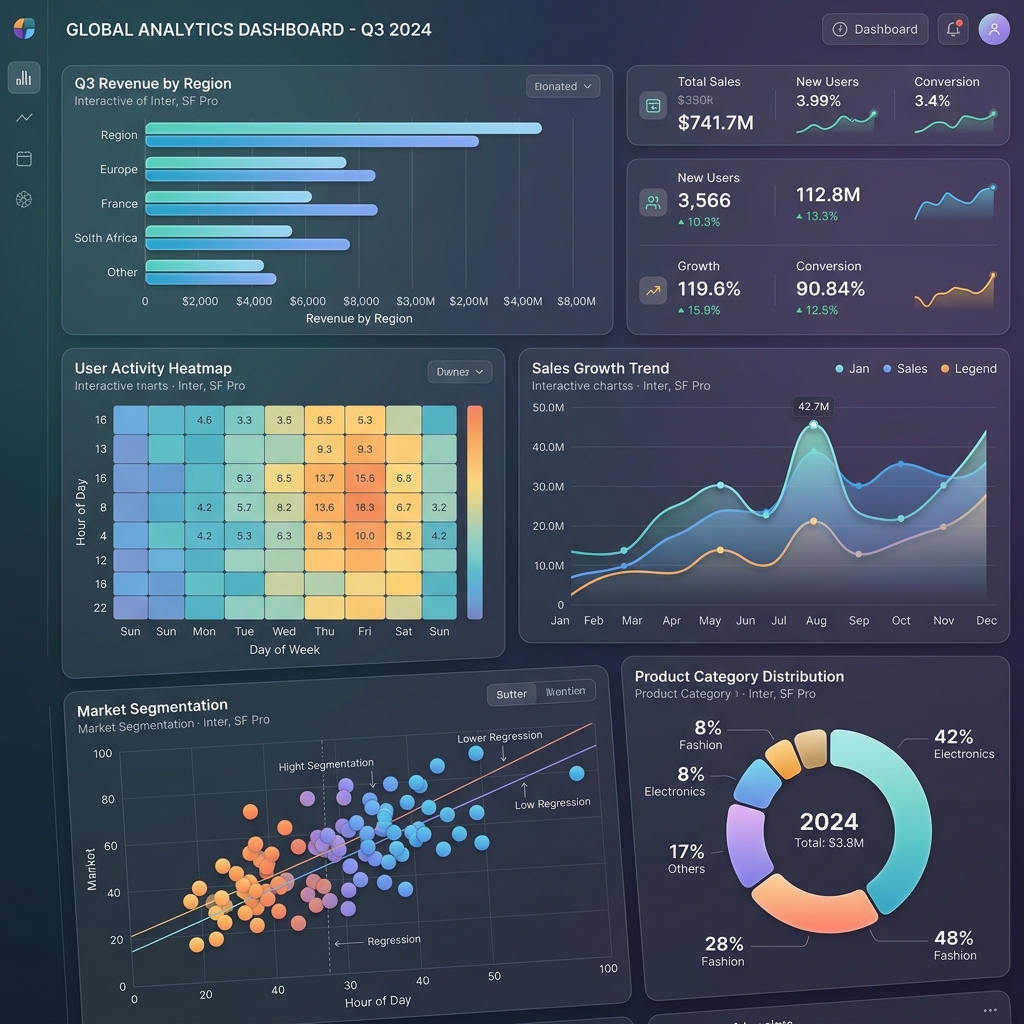
"Ek picture hazar shabdo ke barabar hoti hai." Data Science mein ye bilkul sach hai.
Jab aapke paas 50,000 rows ka dataset ho — numbers dekhke pattern samajhna mushkil hai. Lekin ek accha chart 2 seconds mein sab clear kar deta hai:
- Data mein outliers hain?
- Koi column normal distribution follow karta hai?
- Do variables mein correlation hai?
Ye sab Data Visualization se pata chalta hai.
Matplotlib vs Seaborn — Kya Farq Hai?
| Feature | Matplotlib | Seaborn |
|---|---|---|
| Level | Low-level (full control) | High-level (easy syntax) |
| Code | Verbose — zyada code | Concise — kam code |
| Default Style | Basic, old-school | Modern, beautiful |
| Statistical Plots | Manual karna padta hai | Built-in |
| Best For | Custom, complex charts | Statistical analysis, EDA |
| Relationship | Seaborn uses Matplotlib internally |
Practical rule: EDA ke liye Seaborn prefer karo. Custom visualizations ke liye Matplotlib.
Setup aur Installation
pip install matplotlib seaborn pandas numpy
import matplotlib.pyplot as plt
import seaborn as sns
import pandas as pd
import numpy as np

# Seaborn style apply karo sab plots par
sns.set_theme(style="whitegrid", palette="husl")
plt.rcParams['figure.figsize'] = (10, 6)
plt.rcParams['font.size'] = 12
1. Line Chart (Trend Dekhna)
# Weekly temperature data
days = ['Monday', 'Tuesday', 'Wednesday', 'Thursday',
        'Friday', 'Saturday', 'Sunday']
delhi_temp = [32, 35, 33, 38, 36, 34, 31]
mumbai_temp = [28, 30, 29, 31, 30, 29, 27]

fig, ax = plt.subplots(figsize=(10, 6))

ax.plot(days, delhi_temp, marker='o', linewidth=2,
        color='#FF6B6B', label='Delhi', markersize=8)
ax.plot(days, mumbai_temp, marker='s', linewidth=2,
        color='#4ECDC4', label='Mumbai', markersize=8)

ax.set_title('Weekly Temperature Comparison 2026', fontsize=14, fontweight='bold')
ax.set_xlabel('Day')
ax.set_ylabel('Temperature (°C)')
ax.legend()
ax.grid(True, alpha=0.3)

plt.tight_layout()
plt.savefig('temperature.png', dpi=150, bbox_inches='tight')
plt.show()
AI mein use: Training loss vs epochs plot karna — ye bahut common visualization hai.
# Training curve
epochs = range(1, 101)
train_loss = [1/(1+0.1*e) + 0.05*np.random.randn() for e in epochs]
val_loss = [1/(1+0.08*e) + 0.08*np.random.randn() for e in epochs]

plt.figure(figsize=(10, 5))
plt.plot(epochs, train_loss, label='Training Loss', color='blue')
plt.plot(epochs, val_loss, label='Validation Loss', color='orange')
plt.xlabel('Epochs')
plt.ylabel('Loss')
plt.title('Model Training Progress')
plt.legend()
plt.show()
2. Bar Chart (Categories Compare Karna)
# Course enrollment data
import seaborn as sns

data = pd.DataFrame({
    'Course': ['Python', 'Machine Learning', 'Deep Learning',
               'Data Science', 'NLP', 'Computer Vision'],
    'Students': [1500, 1200, 800, 1000, 600, 700],
    'Completion_Rate': [85, 72, 65, 78, 60, 58]
})

fig, (ax1, ax2) = plt.subplots(1, 2, figsize=(14, 6))

# Left: Enrollment
colors = sns.color_palette('husl', len(data))
bars = ax1.bar(data['Course'], data['Students'], color=colors)
ax1.set_title('Course Enrollments', fontweight='bold')
ax1.set_ylabel('Number of Students')
ax1.tick_params(axis='x', rotation=45)

# Value labels add karo
for bar in bars:
    height = bar.get_height()
    ax1.text(bar.get_x() + bar.get_width()/2., height + 10,
             f'{int(height)}', ha='center', va='bottom', fontweight='bold')

# Right: Seaborn horizontal bar (cleaner for many categories)
sns.barplot(data=data, y='Course', x='Completion_Rate',
            palette='coolwarm', ax=ax2)
ax2.set_title('Completion Rate (%)', fontweight='bold')
ax2.axvline(x=70, color='red', linestyle='--', label='Target 70%')
ax2.legend()

plt.tight_layout()
plt.show()
3. Scatter Plot (Relationship Dekhna)
AI mein scatter plots feature relationships explore karne ke liye bahut important hain.
# House price prediction dataset
np.random.seed(42)
n = 200

area = np.random.randint(500, 3000, n)
rooms = np.random.randint(1, 6, n)
price = area * 50 + rooms * 100000 + np.random.randn(n) * 200000

df = pd.DataFrame({'area': area, 'rooms': rooms, 'price': price})

fig, axes = plt.subplots(1, 2, figsize=(14, 6))

# Simple scatter
axes[0].scatter(df['area'], df['price']/100000,
                alpha=0.6, color='steelblue', s=50)
axes[0].set_xlabel('Area (sq ft)')
axes[0].set_ylabel('Price (Lakhs)')
axes[0].set_title('Area vs Price')

# Seaborn scatter with regression line + hue
scatter = axes[1].scatter(df['area'], df['price']/100000,
                          c=df['rooms'], cmap='viridis',
                          alpha=0.7, s=60)
plt.colorbar(scatter, ax=axes[1], label='Rooms')
axes[1].set_xlabel('Area (sq ft)')
axes[1].set_ylabel('Price (Lakhs)')
axes[1].set_title('Area vs Price (Color = Rooms)')

plt.tight_layout()
plt.show()

# Correlation check
print(f"Area-Price correlation: {df['area'].corr(df['price']):.3f}")
4. Histogram (Distribution Dekhna)
# Model prediction errors
actual = np.random.normal(50, 10, 1000)
predicted = actual + np.random.normal(0, 5, 1000)
errors = actual - predicted

fig, axes = plt.subplots(1, 3, figsize=(16, 5))

# Data distribution
axes[0].hist(actual, bins=30, color='steelblue', edgecolor='white', alpha=0.8)
axes[0].set_title('Actual Values Distribution')
axes[0].set_xlabel('Value')
axes[0].set_ylabel('Frequency')

# Seaborn KDE + Histogram
sns.histplot(errors, kde=True, ax=axes[1], color='coral')
axes[1].set_title('Prediction Errors Distribution')
axes[1].axvline(x=0, color='black', linestyle='--', label='Zero error')
axes[1].legend()

# Multiple distributions compare
sns.kdeplot(actual, ax=axes[2], label='Actual', color='blue')
sns.kdeplot(predicted, ax=axes[2], label='Predicted', color='orange')
axes[2].set_title('Actual vs Predicted Distribution')
axes[2].legend()

plt.tight_layout()
plt.show()
5. Heatmap (Correlation Matrix)
Data Science mein sab se zyada use hone wala visualization — features ke beech relationships:
# AI Dataset EDA
from sklearn.datasets import load_breast_cancer
import pandas as pd
import seaborn as sns

cancer = load_breast_cancer()
df = pd.DataFrame(cancer.data, columns=cancer.feature_names)
df['target'] = cancer.target

# Correlation matrix
correlation_matrix = df.iloc[:, :10].corr()

plt.figure(figsize=(12, 8))
sns.heatmap(
    correlation_matrix,
    annot=True,       # Values dikhao
    fmt='.2f',        # 2 decimal places
    cmap='RdYlGn',    # Red-Yellow-Green colormap
    center=0,         # 0 center par
    square=True,
    linewidths=0.5
)
plt.title('Feature Correlation Heatmap\n(Breast Cancer Dataset)',
          fontsize=14, fontweight='bold')
plt.tight_layout()
plt.show()
6. Box Plot (Outliers Dhoondhna)
# Salary data across departments
np.random.seed(42)
departments = ['AI/ML', 'Backend', 'Frontend', 'DevOps', 'Data Science']
salaries = [
    np.random.normal(25, 5, 50),   # AI/ML: high avg
    np.random.normal(18, 4, 60),   # Backend
    np.random.normal(15, 3, 50),   # Frontend
    np.random.normal(20, 4, 40),   # DevOps
    np.random.normal(22, 5, 45),   # Data Science
]

fig, (ax1, ax2) = plt.subplots(1, 2, figsize=(14, 6))

# Matplotlib boxplot
ax1.boxplot(salaries, labels=departments, patch_artist=True,
            boxprops=dict(facecolor='lightblue'))
ax1.set_title('Salary Distribution (Box Plot)')
ax1.set_ylabel('Salary (LPA)')
ax1.tick_params(axis='x', rotation=30)

# Seaborn violin plot (shows distribution better)
salary_df = pd.DataFrame({
    'Department': np.repeat(departments, [len(s) for s in salaries]),
    'Salary': np.concatenate(salaries)
})

sns.violinplot(data=salary_df, x='Department', y='Salary',
               palette='husl', ax=ax2)
ax2.set_title('Salary Distribution (Violin Plot)')
ax2.tick_params(axis='x', rotation=30)

plt.tight_layout()
plt.show()
7. Pairplot — EDA Ka Best Friend
Ek command mein sab features ke relationships:
from sklearn.datasets import load_iris

iris = load_iris()
df = pd.DataFrame(iris.data, columns=iris.feature_names)
df['Species'] = [iris.target_names[t] for t in iris.target]

# Yeh ek command sab relationships dikhata hai!
sns.pairplot(df, hue='Species', palette='Set1',
             plot_kws={'alpha': 0.7}, height=2.5)
plt.suptitle('Iris Dataset - All Feature Relationships', y=1.02)
plt.show()
Pro Tips: Better Visualizations
# 1. Figure save karna (reports ke liye)
plt.savefig('chart.png', dpi=300, bbox_inches='tight',
            facecolor='white')  # dpi=300 = print quality

# 2. Dark theme
plt.style.use('dark_background')
# Reset: plt.style.use('default')

# 3. Multiple subplots efficiently
fig, axes = plt.subplots(2, 3, figsize=(15, 10))
axes = axes.flatten()  # 2D array ko 1D banao

for i, col in enumerate(df.columns[:6]):
    axes[i].hist(df[col], bins=20, color=colors[i])
    axes[i].set_title(col)

plt.tight_layout()
FAQs
1. Matplotlib ya Seaborn — beginner ke liye kaunsa seekhein pehle? Seaborn se shuru karo — kam code mein better results. Phir Matplotlib customize karna seekho.
2. Interactive plots kaise banayein?
Plotly library use karo — pip install plotly. Ye interactive charts banata hai (zoom, hover, etc.) — dashboards ke liye perfect.
3. Charts export kaise karein presentation ke liye?
plt.savefig('file.png', dpi=300) — PNG ke liye. Powerpoint mein directly insert ho jaata hai.
4. Real-time data plot kaise karein?
plt.ion() (interactive mode) + plt.pause(). Ya Streamlit use karo live dashboards ke liye.
5. Matplotlib vs Plotly — kab kaunsa? Static reports ke liye Matplotlib/Seaborn. Interactive web dashboards ke liye Plotly.
Aapka favorite type of chart kaunsa hai? Data Visualization mein aur kya seekhna chahte ho? Comment mein batayein! 📊
Tarun ke baare mein: Tarun ek AI educator hain jo Python ke practical use cases — including data visualization — ko beginners ke liye accessible banana chahte hain. AI-Gyani par har tutorial hands-on hai.