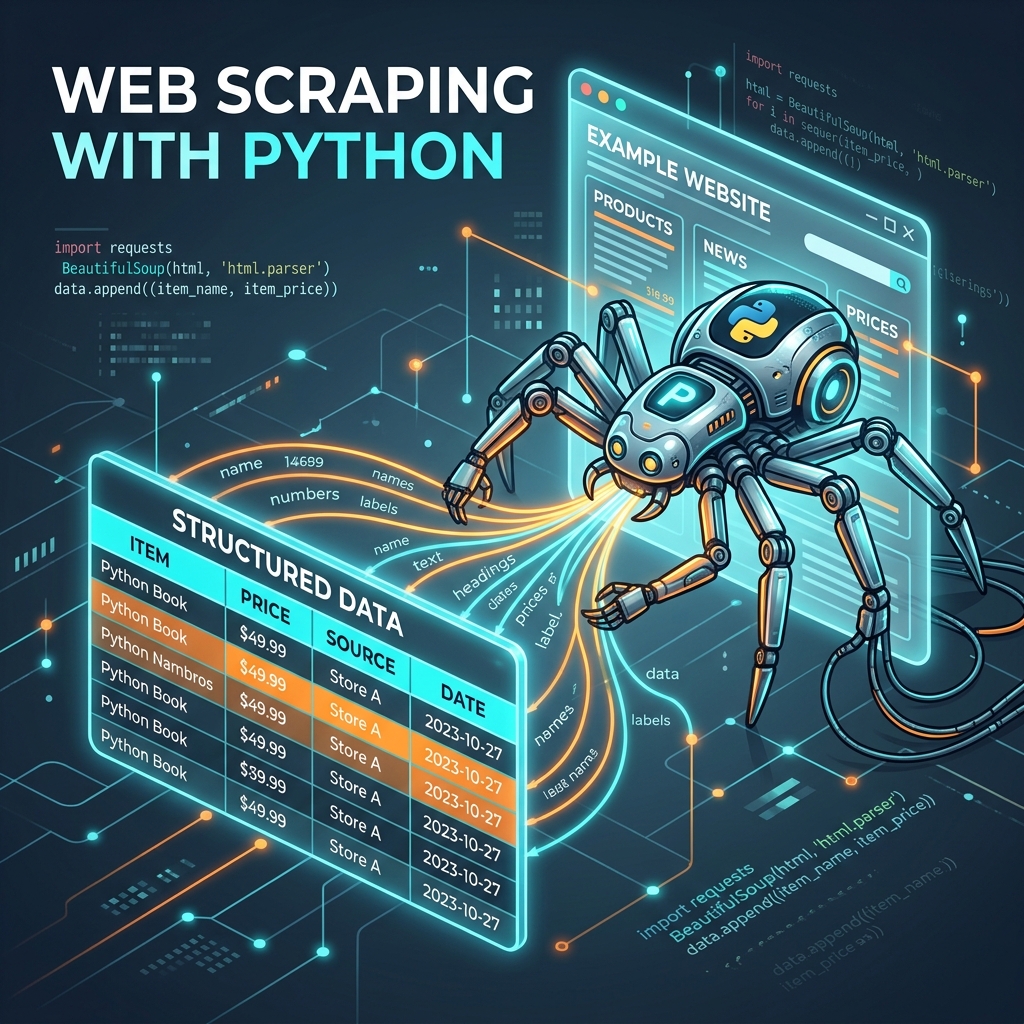
Machine Learning models data ke bhookhe hote hain. Lekin kya hoga agar aapko jo data chahiye wo kisi CSV file mein available na ho balki kisi website par likha ho?
Prices, news articles, product reviews, job listings — ye sab internet par hai. Web Scraping ek technique hai jisse aap apna Python program ek automated browser ki tarah kaam karwa sakte ho — websites visit karo, data nikalo, CSV mein save karo.
Aaj hum BeautifulSoup aur Requests ka use karke web scraping seekhenge — legally aur responsibly.
Web Scraping Kya Hai?
Web scraping ek automated process hai jisme aapka program:
- Ek website ka URL open karta hai
- Uska HTML code download karta hai
- Us HTML se specific information dhoondhta hai
- Data ko usable format (CSV, JSON) mein save karta hai
Practically kahan use hota hai AI mein:
- Sentiment analysis ke liye product reviews scrape karna
- News classification ke liye headlines collect karna
- Price prediction ke liye e-commerce data
- NLP training ke liye text corpus banana
Pehle: Legal aur Ethical Considerations
Web scraping powerful hai — aur responsibility bhi aati hai.
Pehle check karein:
1. robots.txt
Har website ka ek robots.txt file hota hai — jaise example.com/robots.txt. Ye batata hai ki kaunse pages scrape allowed hain aur kaunse nahi.
# Example robots.txt
User-agent: *
Disallow: /private/
Disallow: /user-data/
Allow: /blog/
Allow: /products/
Disallow pages kabhi scrape mat karo.
2. Terms of Service
Website ki ToS padhein — kuch sites explicitly scraping ban karti hain.
3. Rate Limiting
Bahut fast requests mat bhejo — server overload ho sakta hai. Responsible scraping mein delays hone chahiye.
4. Personal Data
Kabhi bhi personal information (names, emails, phones) scrape mat karo bina proper authorization ke — GDPR aur India's DPDP Act ke violation ho sakta hai.
Tools: Requests aur BeautifulSoup
Requests — HTML Download Karna
pip install requests
Requests library website ka HTML code laati hai — jaise browser karta hai, exactly waise.
BeautifulSoup — HTML Parse Karna
pip install beautifulsoup4
BeautifulSoup us HTML ko samajhti hai — tags dhoondhna, text nikalna, links extract karna.
Pehla Scraper: Quotes Website
quotes.toscrape.com ek practice website hai specifically scraping seekhne ke liye banaayi gayi hai.
import requests
from bs4 import BeautifulSoup
import time

def scrape_quotes(pages=3):
    all_quotes = []

    for page_num in range(1, pages + 1):
        url = f"http://quotes.toscrape.com/page/{page_num}/"

        # Request bhejo
        response = requests.get(url, timeout=10)

        # Check karo ki request successful raha
        if response.status_code != 200:
            print(f"Error: {response.status_code}")
            break

        # HTML parse karo
        soup = BeautifulSoup(response.text, 'html.parser')

        # Sab quotes dhoondhlo
        quote_elements = soup.find_all('div', class_='quote')

        for elem in quote_elements:
            quote_text = elem.find('span', class_='text').text
            author = elem.find('small', class_='author').text
            tags = [tag.text for tag in elem.find_all('a', class_='tag')]

            all_quotes.append({
                'quote': quote_text,
                'author': author,
                'tags': ', '.join(tags)
            })

        print(f"Page {page_num}: {len(quote_elements)} quotes scraped")

        # Respectful delay — server par load mat daalo
        time.sleep(1)

    return all_quotes

quotes = scrape_quotes()
print(f"\nTotal quotes: {len(quotes)}")
print(f"\nFirst quote: {quotes[0]}")
BeautifulSoup: Main Methods
HTML structure samajhna zaroori hai scraping ke liye. Chrome mein kisi element par right-click → Inspect se HTML dekho.
soup = BeautifulSoup(html_content, 'html.parser')

# Method 1: find() — pehla matching element
first_heading = soup.find('h1')
print(first_heading.text)

# Method 2: find_all() — sab matching elements
all_paragraphs = soup.find_all('p')
for p in all_paragraphs:
    print(p.text)

# Method 3: CSS selector se
price = soup.select_one('.price-box .price')  # class selector
items = soup.select('ul.products li')         # nested selector

# Method 4: Attribute se
specific_div = soup.find('div', id='main-content')
all_links = soup.find_all('a', class_='product-link')

# Links se URLs nikalna
for link in all_links:
    href = link.get('href')  # attribute value
    text = link.text.strip()
    print(f"{text}: {href}")

# Method 5: Nested navigation
article = soup.find('article')
if article:
    title = article.find('h2').text
    date = article.find('time').get('datetime')
    content = article.find('div', class_='content').text
Real Example: News Headlines Scrape Karna
import requests
from bs4 import BeautifulSoup
import csv
from datetime import datetime

def scrape_news_headlines():
    # HackerNews (freely scrapable, public content)
    url = "https://news.ycombinator.com/"

    headers = {
        'User-Agent': 'Mozilla/5.0 (Educational Web Scraper)'
    }

    response = requests.get(url, headers=headers)
    soup = BeautifulSoup(response.text, 'html.parser')

    headlines = []

    # HackerNews story rows
    story_rows = soup.find_all('tr', class_='athing')

    for row in story_rows[:20]:  # Sirf top 20
        title_element = row.find('span', class_='titleline')
        if title_element:
            link = title_element.find('a')
            if link:
                headlines.append({
                    'title': link.text.strip(),
                    'url': link.get('href', ''),
                    'scraped_at': datetime.now().isoformat()
                })

    return headlines

# Data save karo CSV mein
headlines = scrape_news_headlines()

with open('tech_news.csv', 'w', newline='', encoding='utf-8') as f:
    writer = csv.DictWriter(f, fieldnames=['title', 'url', 'scraped_at'])
    writer.writeheader()
    writer.writerows(headlines)

print(f"Saved {len(headlines)} headlines to tech_news.csv")
Pandas ke Saath Data Clean Karna
Scraped data usually messy hoti hai. Pandas se clean karo:
import pandas as pd

df = pd.read_csv('tech_news.csv')

# Basic cleaning
df['title'] = df['title'].str.strip()  # Extra spaces hatao
df['title'] = df['title'].str.replace(r'\s+', ' ', regex=True)

# Duplicates hatao
df = df.drop_duplicates(subset='title')

# Empty rows hatao
df = df.dropna(subset=['title', 'url'])

# Word count add karo (NLP feature engineering)
df['word_count'] = df['title'].str.split().str.len()

print(df.head())
print(f"\nClean dataset: {len(df)} rows")

# AI ke liye save karo
df.to_csv('clean_tech_news.csv', index=False)
Advanced: Session aur Authentication
Kuch websites login ke baad hi data dikhati hain:
import requests

session = requests.Session()

# Login karo
login_data = {
    'username': 'your_username',
    'password': 'your_password'
}
session.post('https://example.com/login', data=login_data)

# Ab authenticated pages access karo
protected_page = session.get('https://example.com/dashboard')
soup = BeautifulSoup(protected_page.text, 'html.parser')
Common Errors aur Solutions
| Error | Kya Matlab | Solution |
|---|---|---|
403 Forbidden |
Server ne access deny kiya | Headers mein User-Agent add karo |
429 Too Many Requests |
Rate limit hit | Time.sleep(2) badhao |
404 Not Found |
Page exist nahi karta | URL check karo |
ConnectionError |
Network issue | Retry logic add karo |
AttributeError: None |
Element nahi mila | if element: check karo |
# Robust scraper with error handling
import requests
from requests.adapters import HTTPAdapter
from urllib3.util.retry import Retry

def create_session():
    session = requests.Session()
    retry = Retry(total=3, backoff_factor=1)
    adapter = HTTPAdapter(max_retries=retry)
    session.mount('http://', adapter)
    session.mount('https://', adapter)
    return session

def safe_scrape(url):
    session = create_session()
    try:
        response = session.get(url, timeout=15,
                               headers={'User-Agent': 'Mozilla/5.0'})
        response.raise_for_status()
        return response.text
    except requests.exceptions.RequestException as e:
        print(f"Error scraping {url}: {e}")
        return None
Scraping vs API — Kab Kaunsa Use Karein?
| Situation | Best Approach |
|---|---|
| Website ka official API available hai | Always use API — stable, legal, faster |
| No API, public data | Web scraping (check robots.txt first) |
| Data real-time update chahiye | API preferred |
| Historical data, one-time collection | Scraping okay |
| Login required | Be very careful — ToS check karo |
FAQs
1. Kya web scraping legal hai? Public data scraping generally legal hai, lekin robots.txt aur ToS follow karna zaroori hai. Private data, copyrighted content, aur excessive scraping problems create kar sakti hai. Hamesha check karo pehle.
2. Website ka JavaScript-rendered content scrape karna? BeautifulSoup sirf static HTML parse karta hai. JavaScript-rendered pages ke liye Selenium ya Playwright use karo — ye actual browser automate karte hain.
3. IP ban se kaise bachein? Rate limiting (time.sleep), rotating user agents, proxy rotation. Ethical approach: itna mat scrape karo ki site ban kare.
4. Scraped data ki quality kaise check karein?
pandas df.info(), df.describe(), df.isnull().sum() — basic checks. Hamesha sample inspect karo visually.
5. Scrapy vs BeautifulSoup — kaunsa better hai? BeautifulSoup: simple projects, learning ke liye perfect. Scrapy: large-scale, production scraping ke liye — built-in scheduling, pipelines, rate limiting.
Web scraping try kiya? Kaunsi website se data collect ki? Comment mein share karo — ideas exchange karte hain! 🕷️
Tarun ke baare mein: Tarun ek AI educator aur developer hain. AI-Gyani par wo Python ke practical use cases — including data collection ke liye web scraping — explore karte hain.